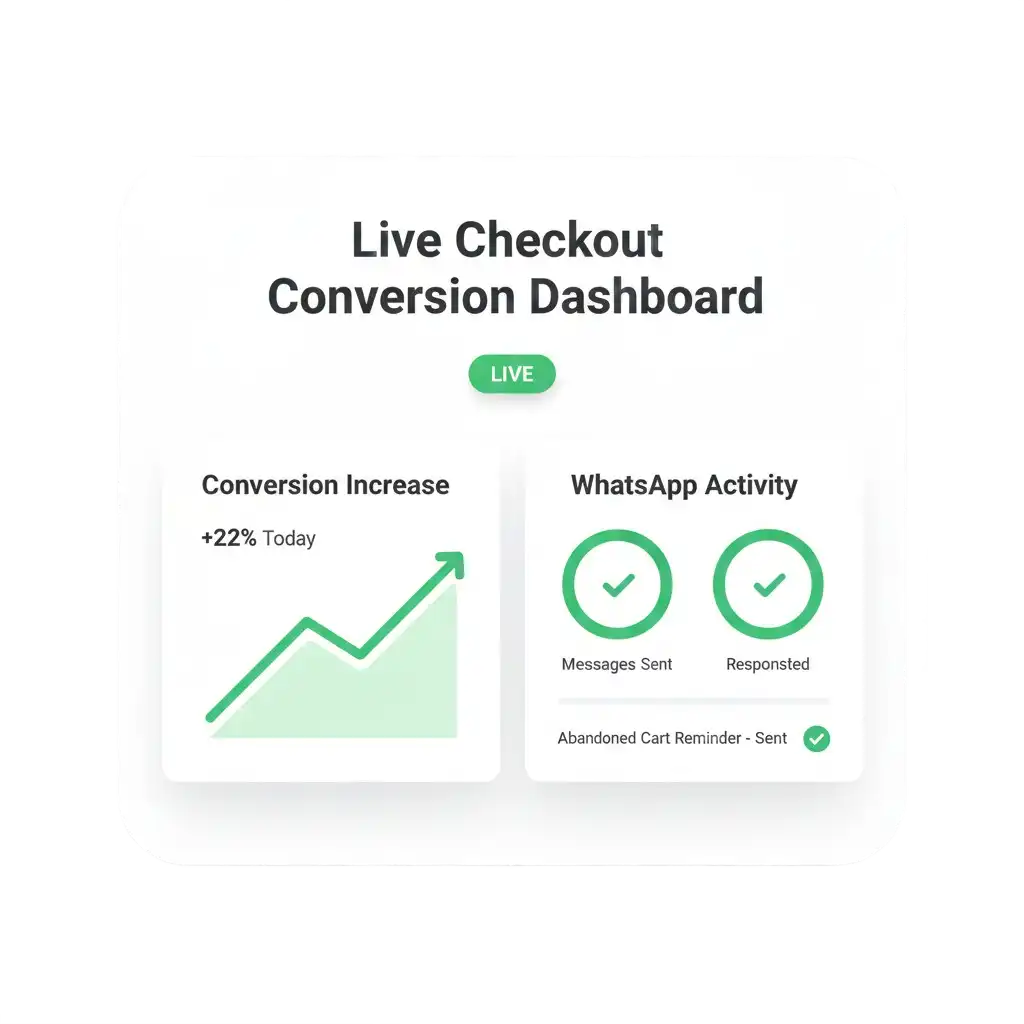
Optimize Shopify Checkout Conversions with WAuto
Integrate Shopify Checkout with WAUTO to capture buyer intent during checkout and automate WhatsApp reminders, confirmations, and recovery messages that reduce abandonment and increase completed purchases using WhatsApp Business API.
Use Cases: How Shopify Checkout + WAuto Drives Growth
WAUTO connects Shopify Checkout with WhatsApp to recover drop-offs, capture intent, and increase checkout-stage conversions effectively.
Recover Checkout Abandonment
Send automated WhatsApp reminders to shoppers who exit checkout early, encouraging them to return and complete purchases with minimal friction.
Capture Buyer Intent
Collect WhatsApp opt-ins directly at checkout to engage high-intent customers instantly and reduce reliance on delayed email follow-ups.
Real-Time Checkout Alerts
Trigger WhatsApp messages when checkout begins or fails, enabling timely nudges that help shoppers continue payments smoothly.
COD Checkout Verification
Confirm cash-on-delivery intent during checkout using WhatsApp to prevent fake orders and reduce failed deliveries.
Instant Payment Assistance
Guide customers facing payment issues with WhatsApp support prompts that help resolve errors and complete transactions faster.
Increase Conversion Rates
Use WhatsApp conversations during checkout to address hesitation, clarify doubts, and convert undecided shoppers successfully.
Connect Shopify Checkout with WAuto in Simple Steps
Integrating Shopify Checkout with WAUTO allows you to automate WhatsApp order updates, cart reminders, and customer communication directly from your store—without complex technical setup.
Step 1: Enable Shopify Checkout Access
- Ensure Shopify checkout is active
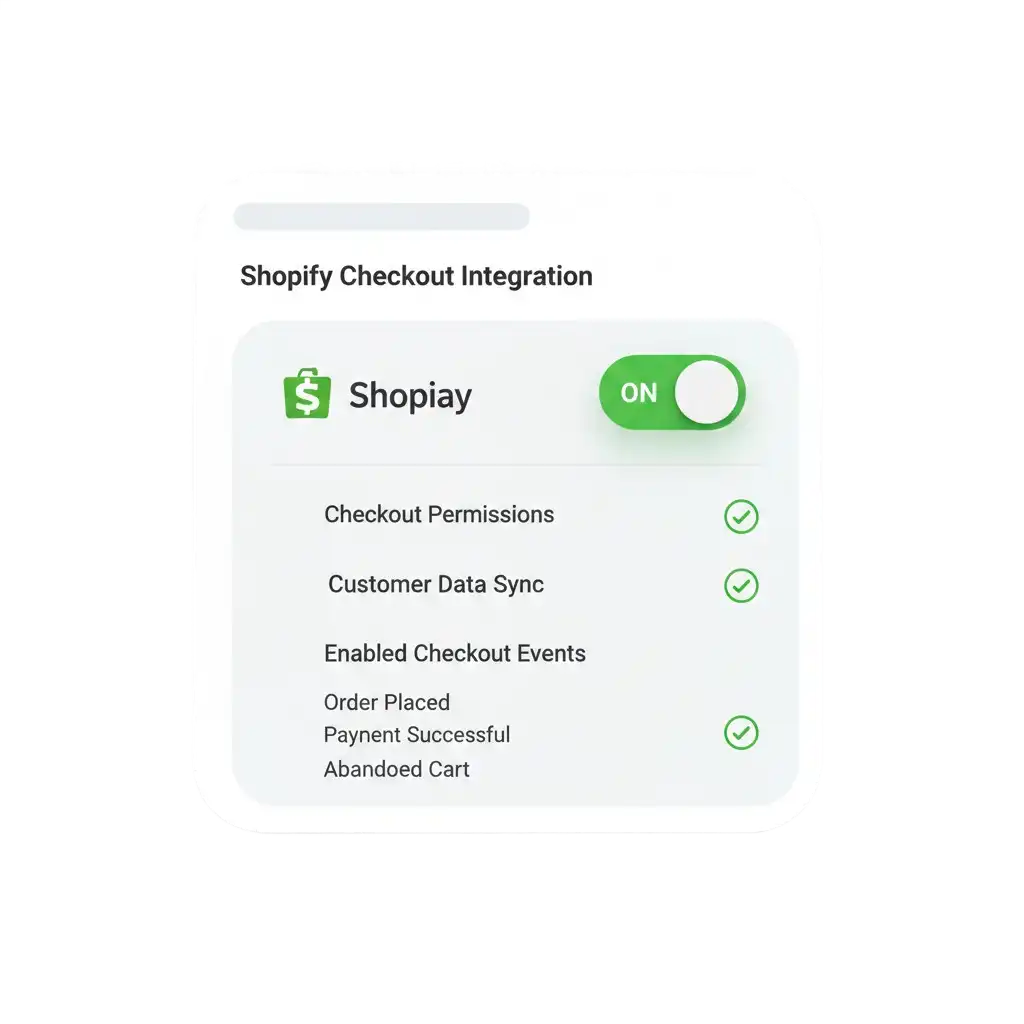
- Confirm checkout customization permissions
- Verify checkout events are tracked
Step 2: Activate Checkout Integration in WAuto
- Log in to WAuto dashboard
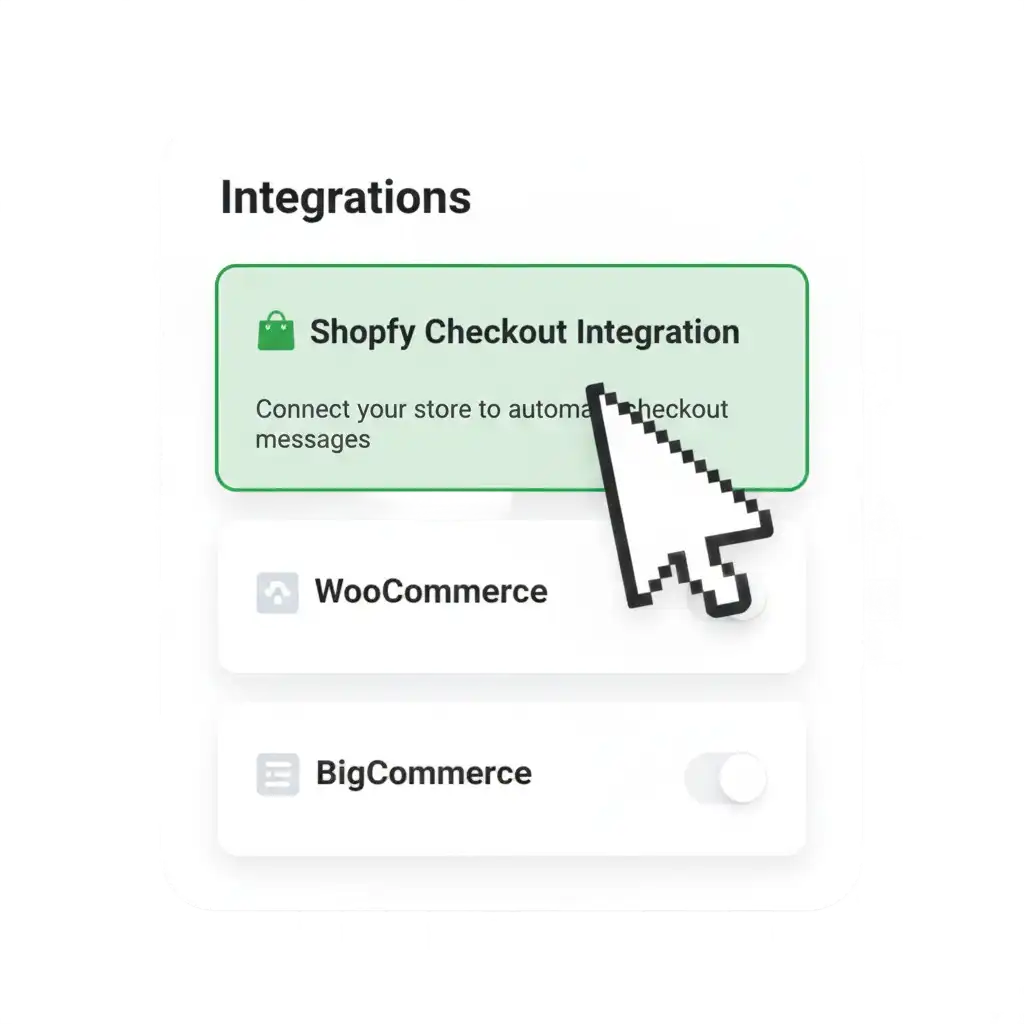
- Open checkout integrations section
- Select Shopify Checkout integration
Step 3: Connect WhatsApp Business API
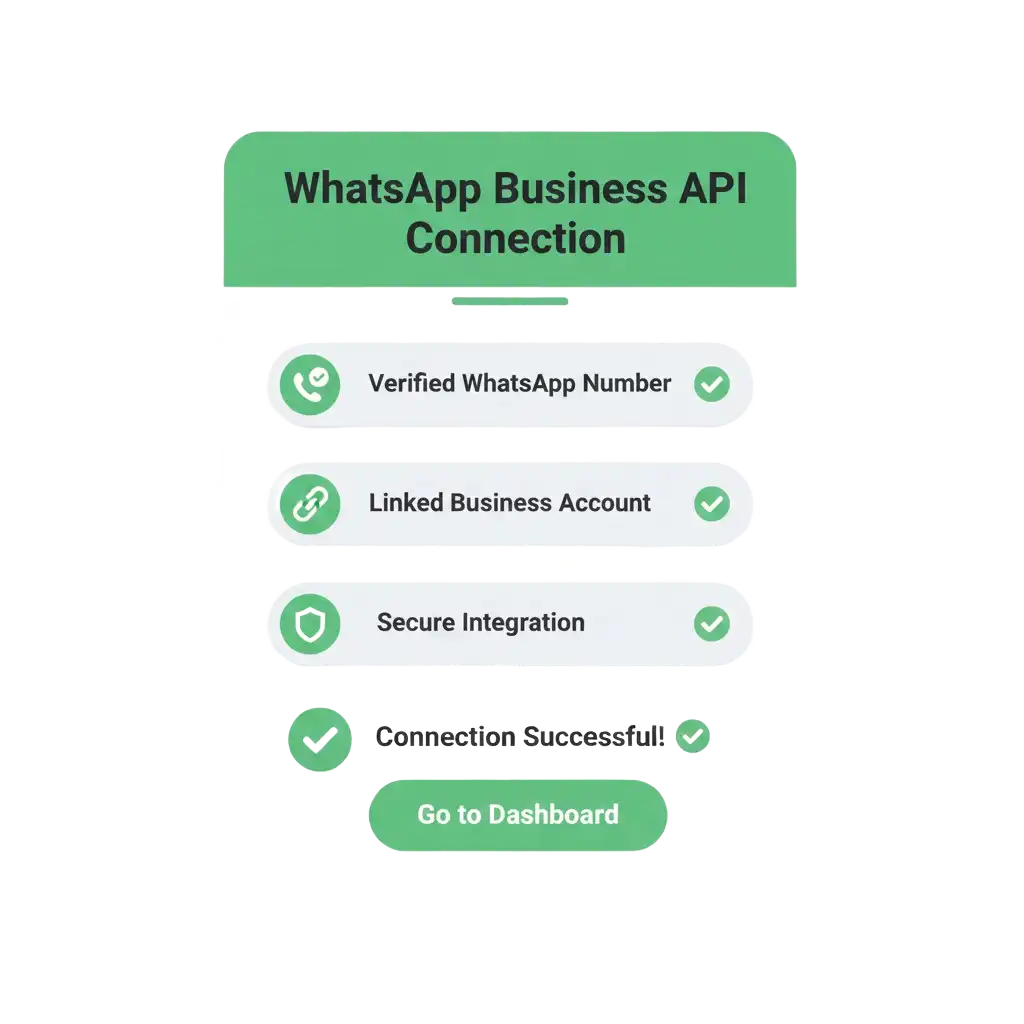
- Add verified WhatsApp API number
- Link WhatsApp account with WAuto
- Enable checkout-stage messaging permissions
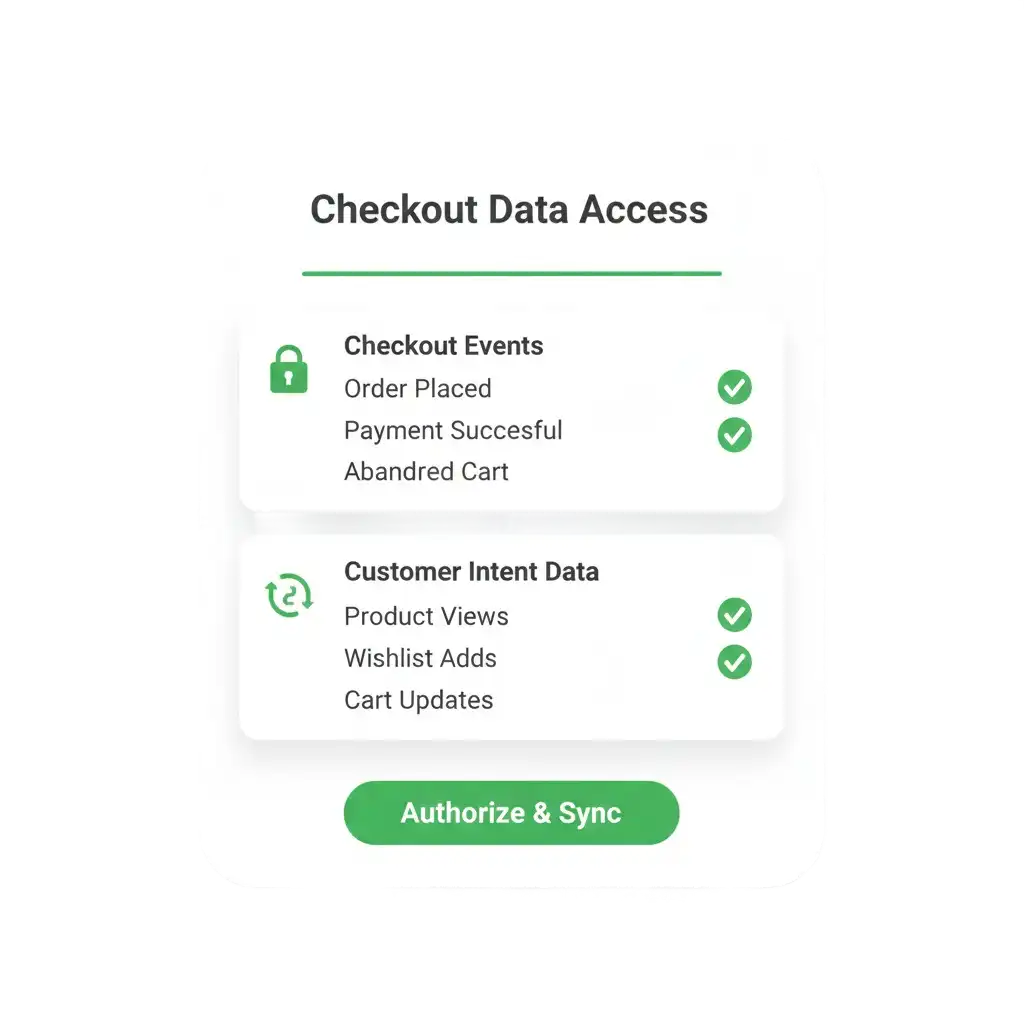
Step 4: Grant Checkout Data Permissions
- Allow checkout event access
- Enable customer intent data sync
- Secure real-time checkout tracking
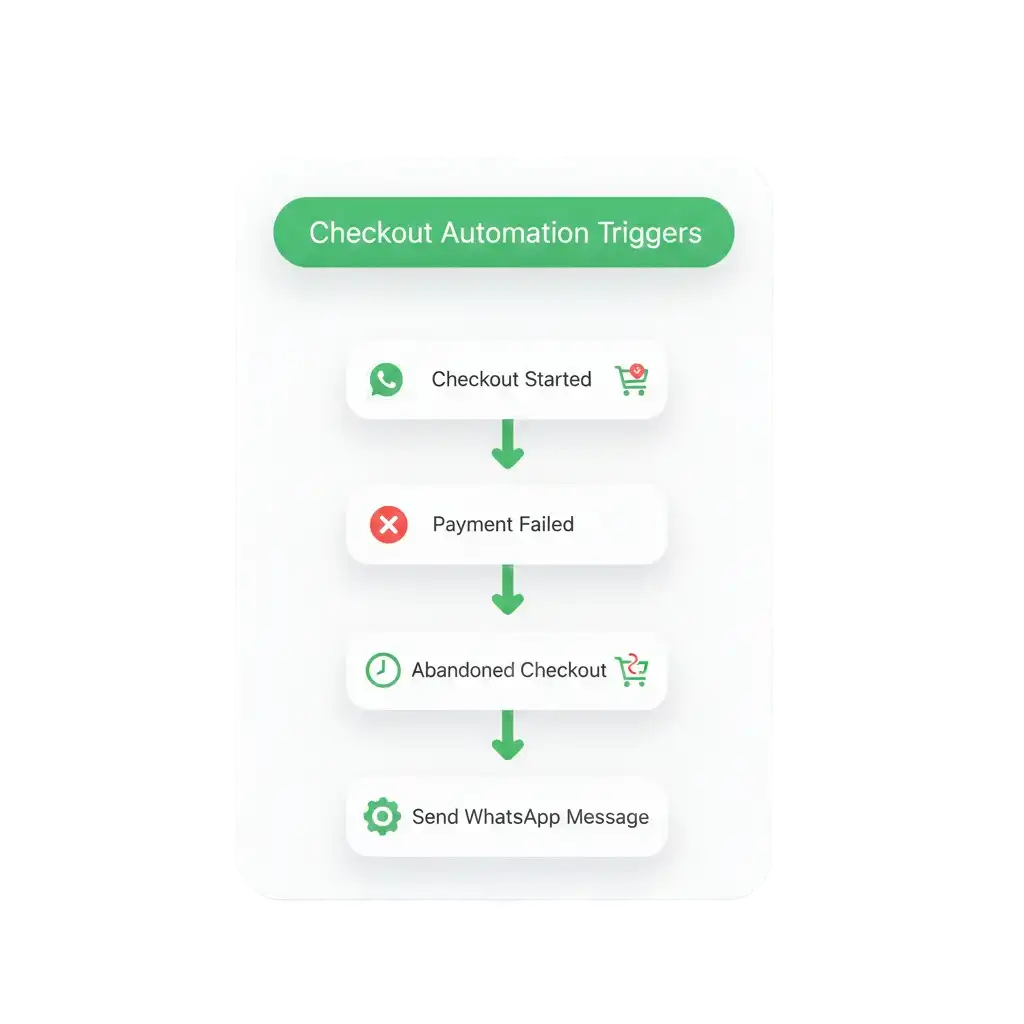
Step 5: Configure Checkout Triggers
- Enable checkout start reminders
- Activate payment failure alerts
- Set abandonment recovery triggers
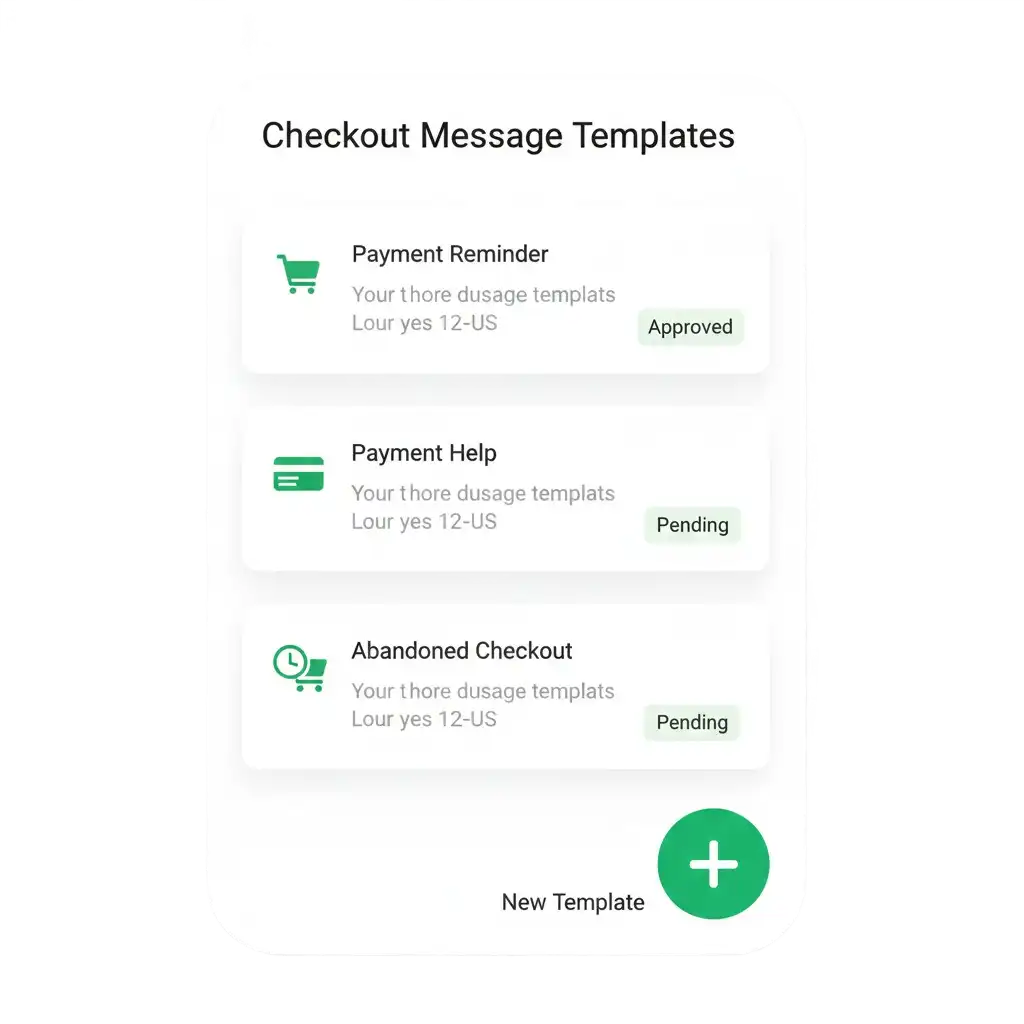
Step 6: Create Checkout Message Templates
- Design checkout reminder templates
- Configure payment assistance messages
- Submit templates for WhatsApp approval
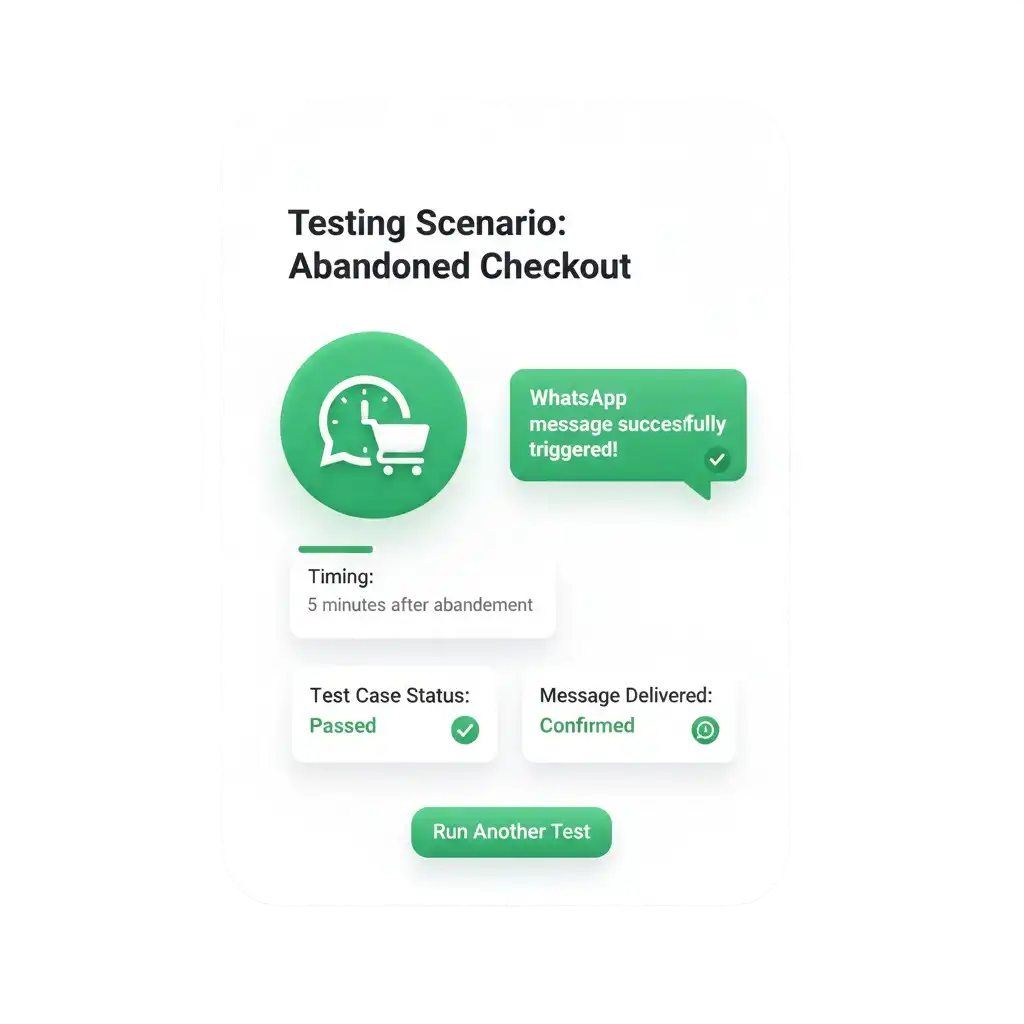
Step 7: Test Checkout Automation Flow
- Simulate checkout abandonment
- Verify WhatsApp message timing
- Confirm message accuracy
Step 8: Go Live and Optimize Conversions
- Activate live checkout automation
- Start sending WhatsApp nudges
- Monitor conversion improvements
Ready to Automate WhatsApp for Your Business?
Set up WhatsApp Business API, chatbots, broadcasts, and integrations — all in one place.
FAQ's
What is Shopify Checkout integration with WAuto?
Shopify Checkout integration connects the checkout stage with WhatsApp automation to recover abandoned checkouts and engage high-intent buyers instantly.
Do I need WhatsApp Business API for checkout integration?
Yes, WAuto uses the official WhatsApp Business API to send compliant and scalable checkout recovery messages.
Is Shopify Checkout WhatsApp integration secure?
Yes, WAuto uses encrypted data handling and secure permissions for checkout data access.
Can I use Shopify and Checkout integrations together?
Yes, combining both provides full WhatsApp automation from checkout to post-purchase communication.
Does WAUTO support COD verification at checkout?
Yes, WAuto confirms COD intent through WhatsApp to reduce fake orders and delivery failures.