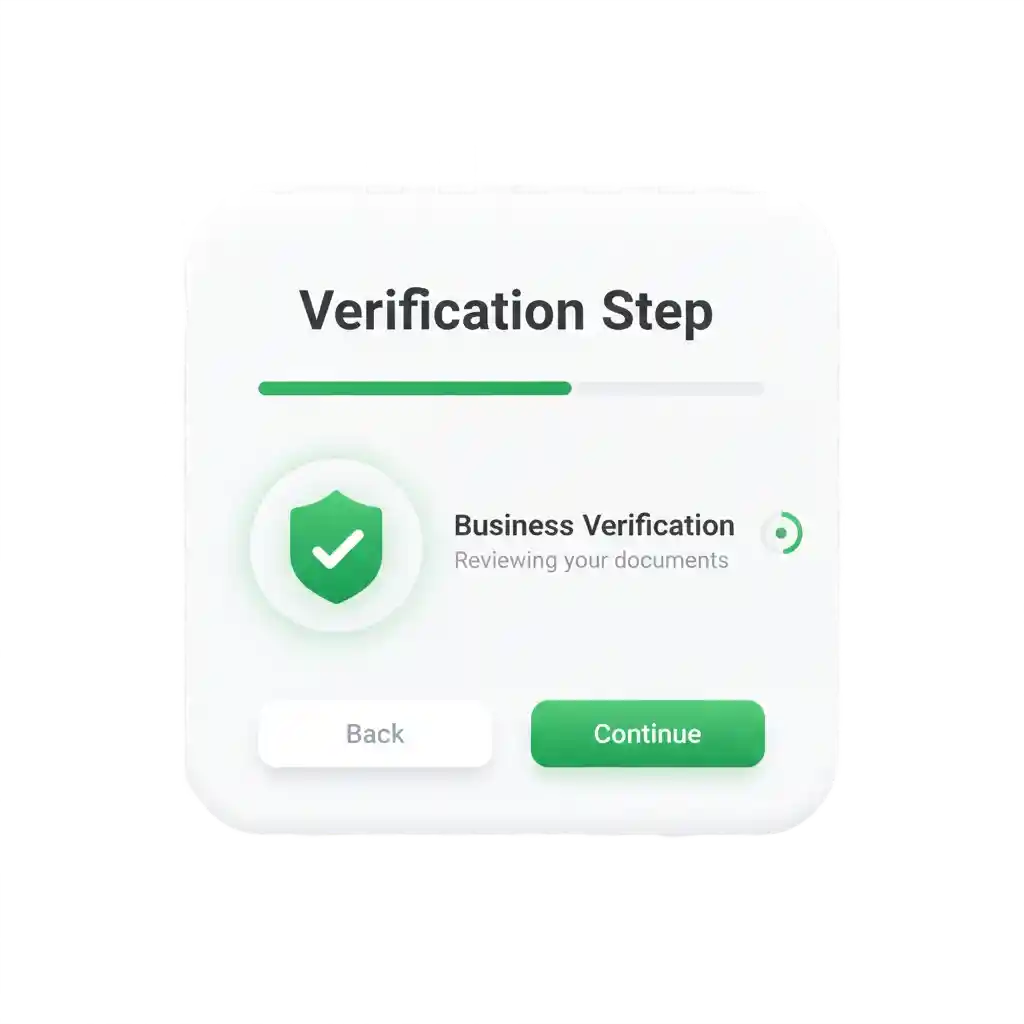
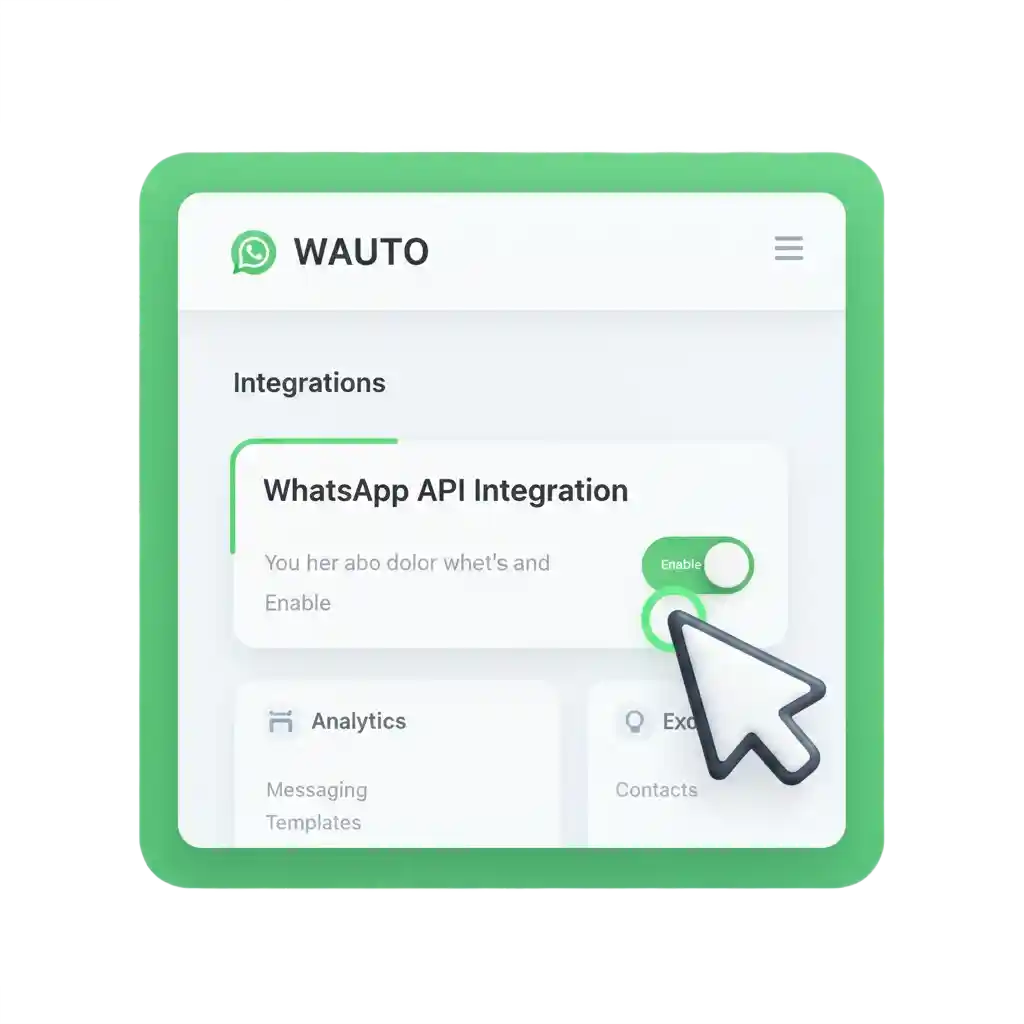
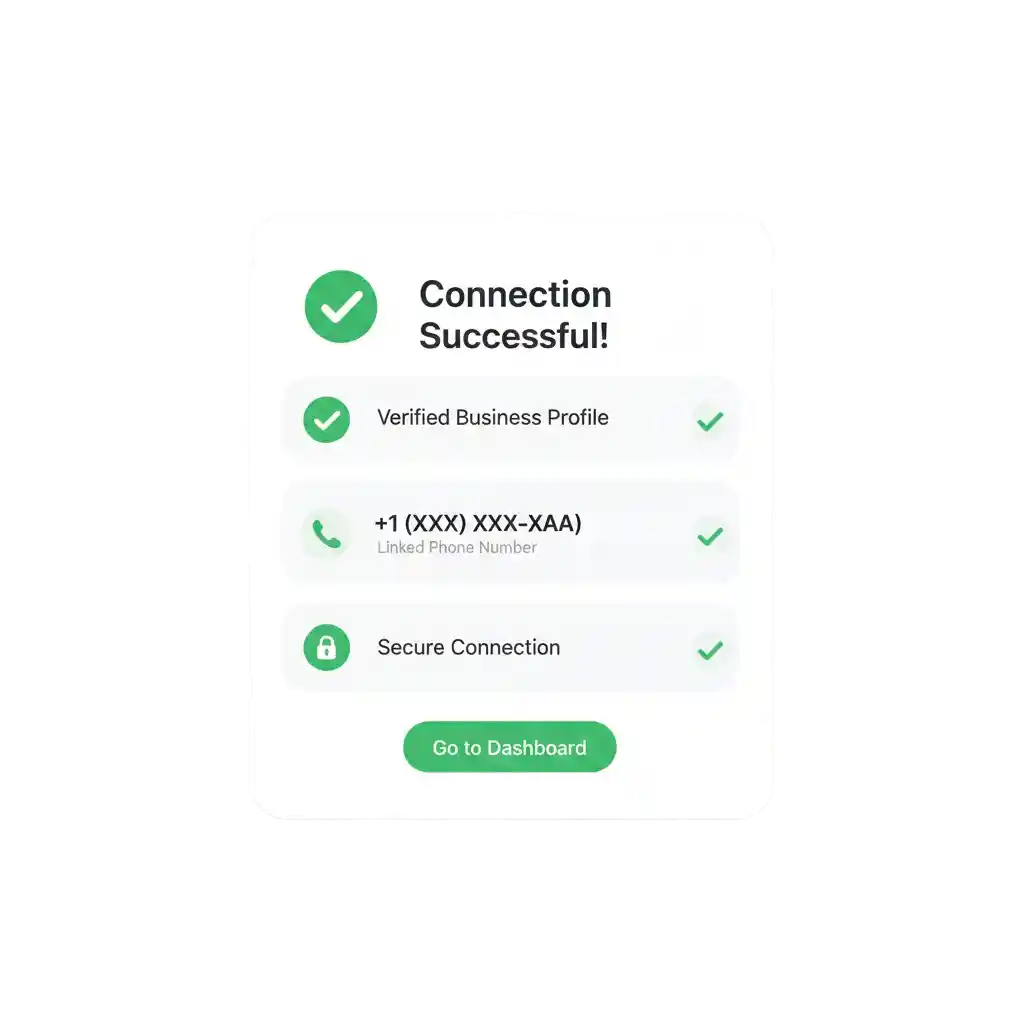
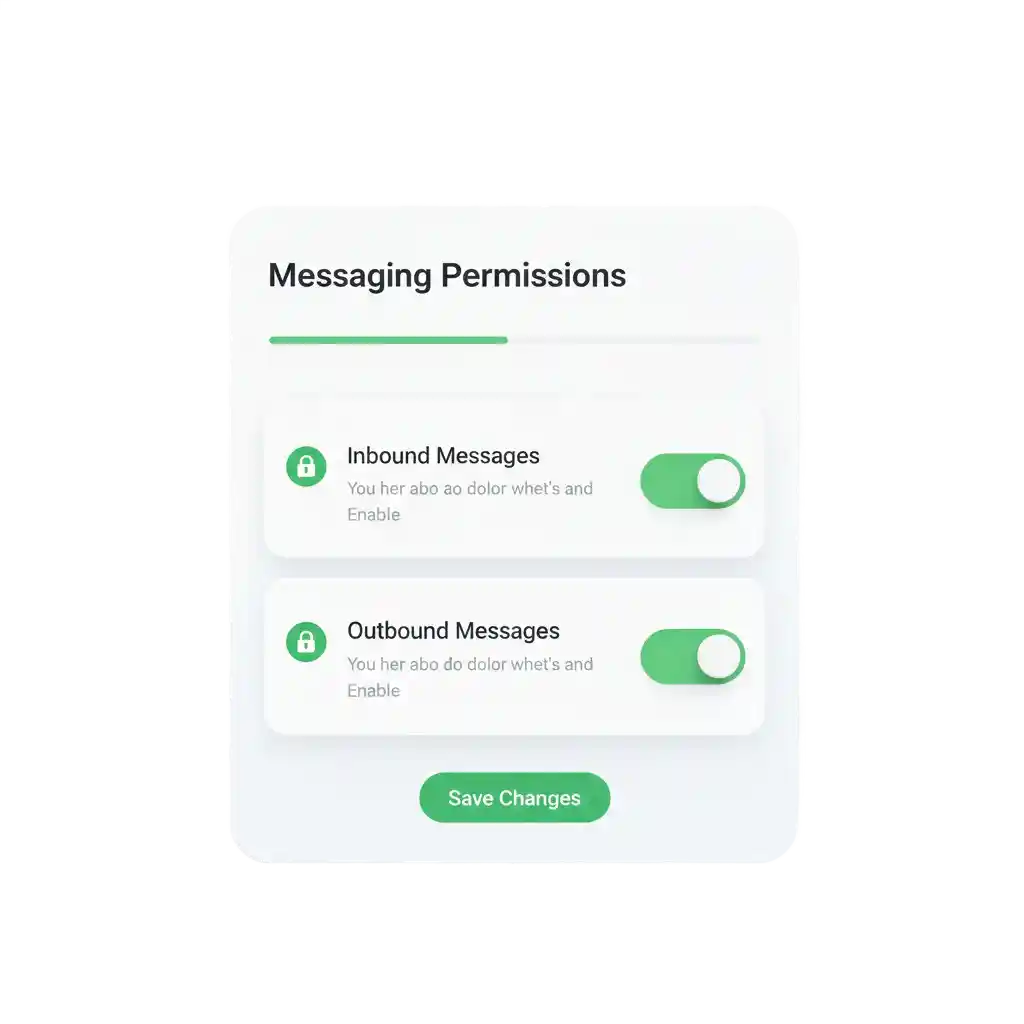
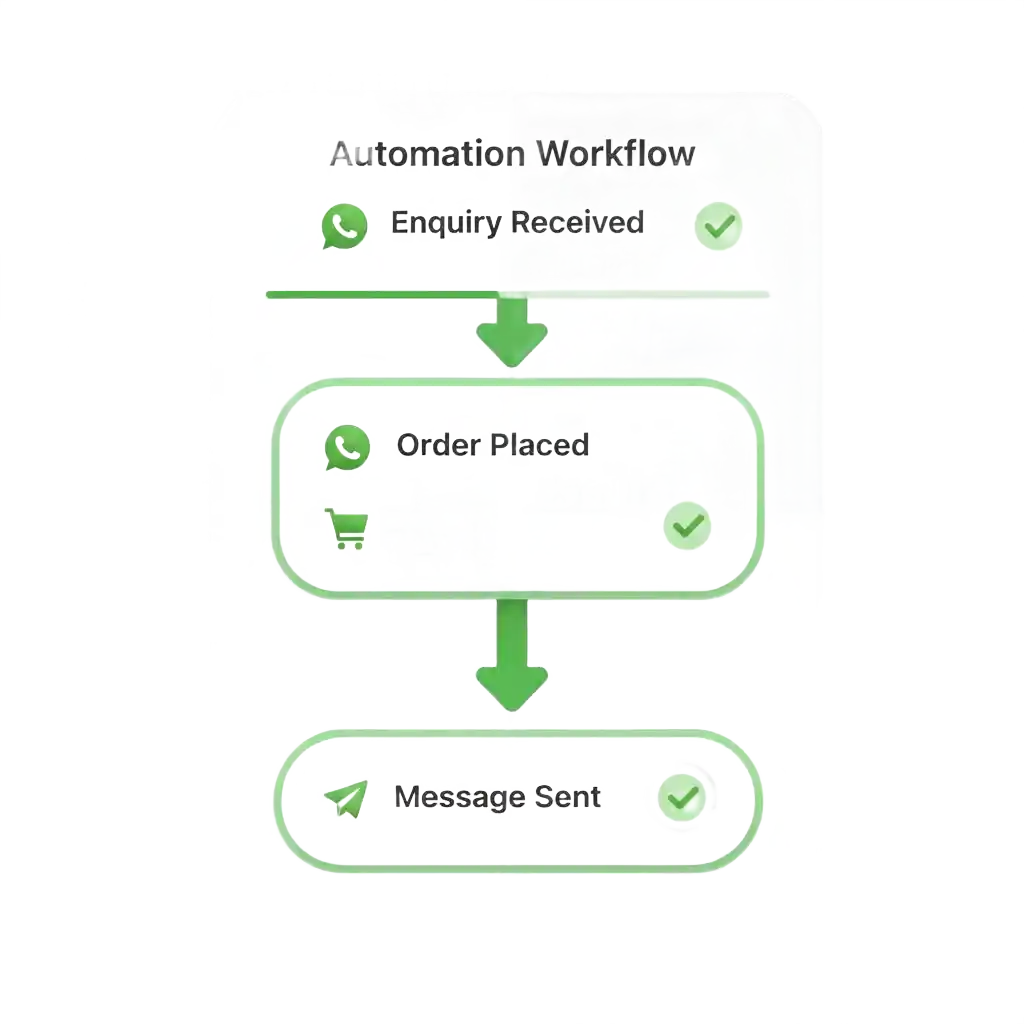
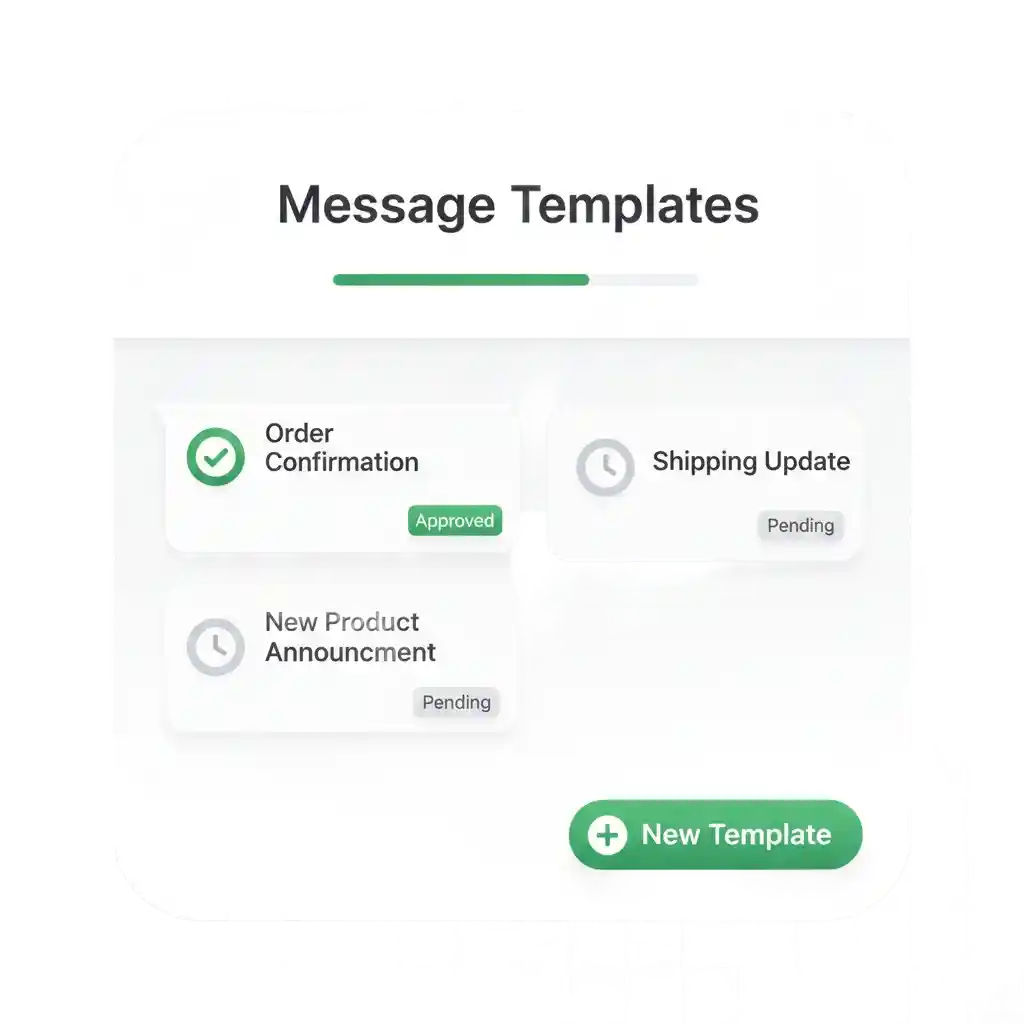
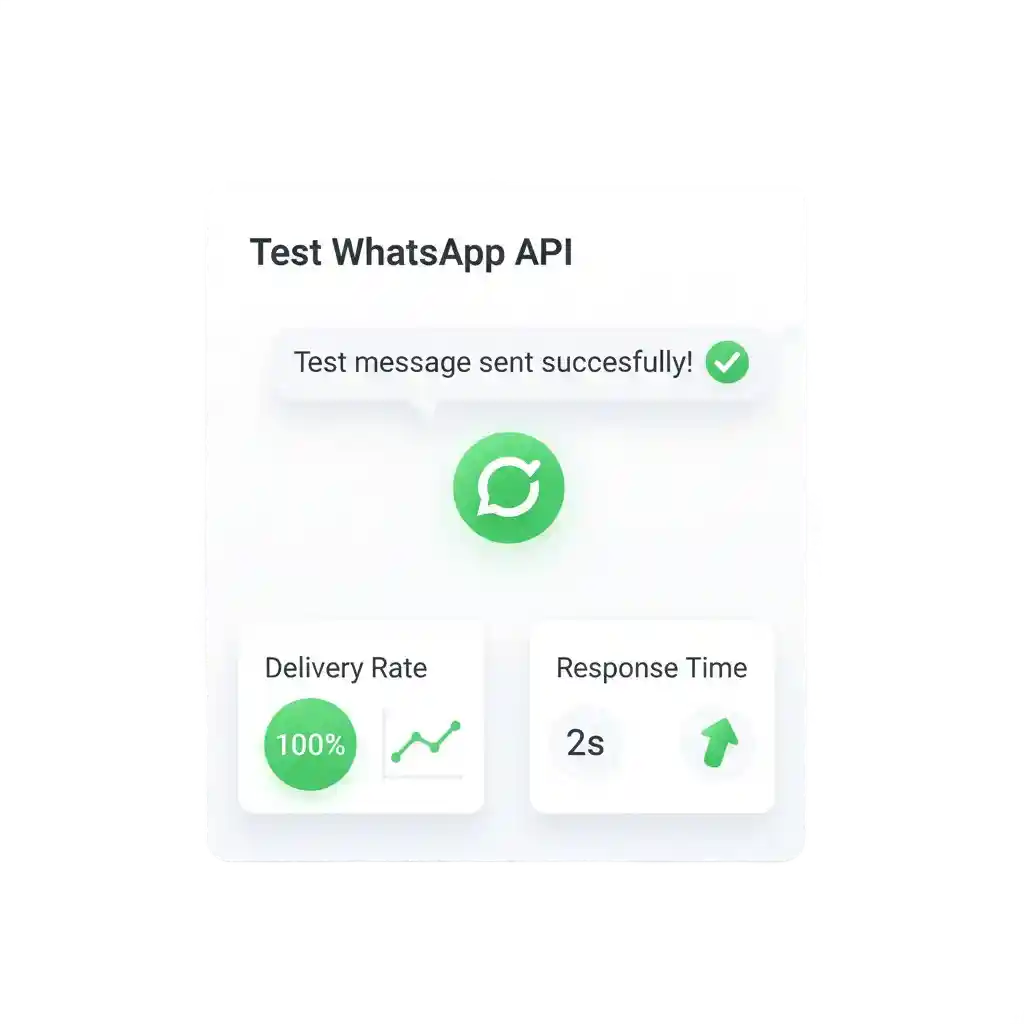
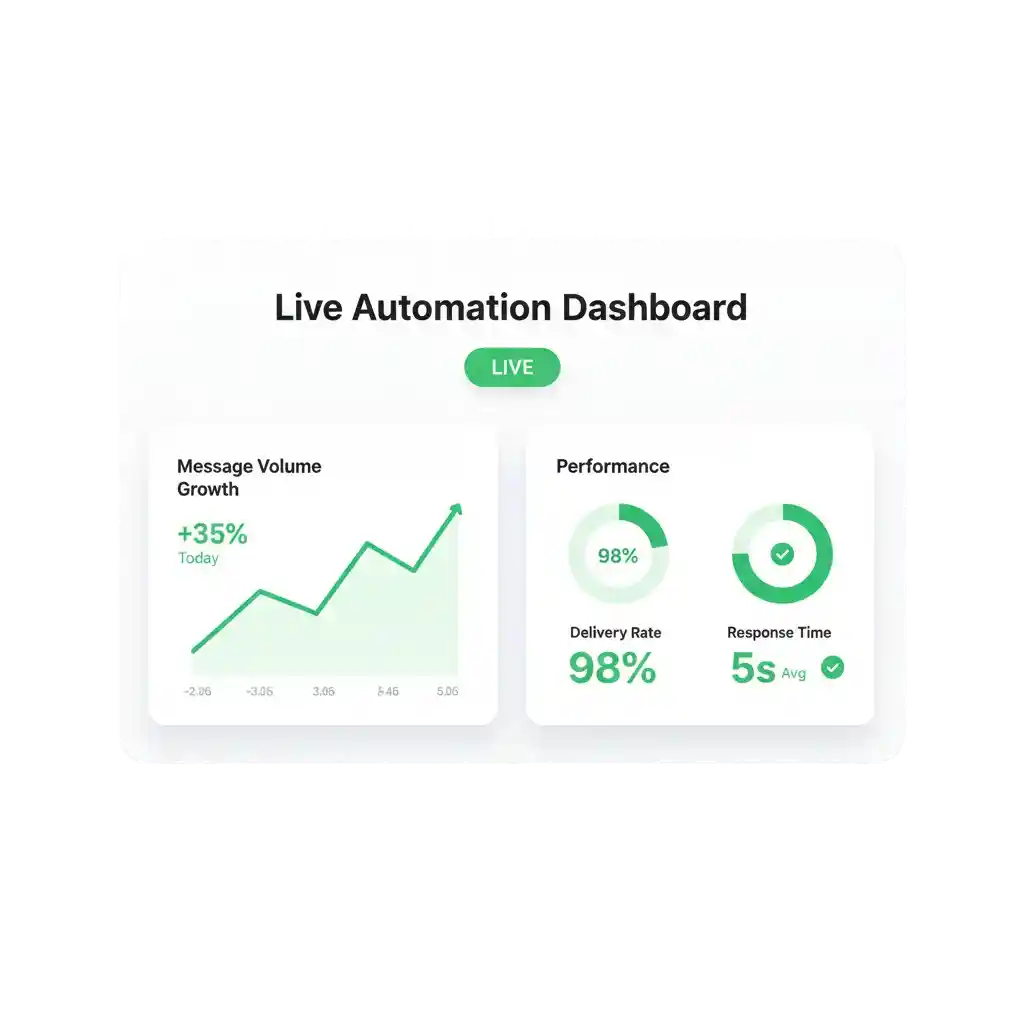
Connect WhatsApp Business API with Zepofy Integrate the official WhatsApp Business API with Zepofy to automate messaging, manage conversations, send notifications, and scale secure business communication through a centralized WhatsApp automation platform. Book a Free Demo Start a Free Trial Use Cases: How WhatsApp API + Zepofy Drives Growth Zepofy connects the WhatsApp Business API with automation workflows to improve engagement, faster responses, and scalable customer communication. Automate Customer Notifications Send transactional WhatsApp messages for confirmations, alerts, and updates using WhatsApp API automation triggered by real-time business actions. Two-Way Business Conversations Enable customers to reply, ask questions, and interact through WhatsApp using automated yet conversational messaging flows. Centralize Customer Communication Manage all WhatsApp API conversations from one unified inbox to streamline support, sales, and customer queries. Reduce Manual Support Workload Automate common questions and routine replies with WhatsApp API workflows to improve speed and team efficiency. Engage Customers at Scale Send bulk notifications, reminders, and updates via WhatsApp API while maintaining personalization and compliance. Track Messaging Performance Monitor delivery rates, responses, and engagement metrics to optimize WhatsApp API communication strategies. Connect WhatsApp API with Zepofy in Simple Steps Follow these steps to connect the official WhatsApp Business API with Zepofy and automate communication. Step 1: Prepare WhatsApp Business Requirements Verify business details Ensure phone number eligibility Complete WhatsApp verification Step 2: Enable WhatsApp API in Zepofy Log in to Zepofy dashboard Open WhatsApp API section Start API setup process Step 3: Connect WhatsApp Business Account Link verified account Add approved phone number Complete API authentication Step 4: Configure Messaging Permissions Enable inbound and outbound messaging Approve automation access Secure communication permissions Step 5: Set Up Automation Triggers Define message events Enable notification triggers Configure conversation workflows Step 6: Create WhatsApp Message Templates Design transactional templates Create reminder messages Submit for WhatsApp approval Step 7: Test WhatsApp API Messaging Send test messages Verify delivery status Confirm automation accuracy Step 8: Go Live and Scale Messaging Activate API automation Send live business messages Monitor engagement performance Ready to Automate WhatsApp for Your Business? Set up WhatsApp Business API, chatbots, broadcasts, and integrations — all in one place. Book a Demo Connect With Us FAQ's How is WhatsApp API different from normal WhatsApp Business? WhatsApp API supports automation, multi-user access, and high-volume messaging, while standard WhatsApp Business is limited to manual use. Can I send bulk messages using WhatsApp API? Yes, Zepofy enables bulk WhatsApp notifications using approved templates while following WhatsApp API policies. Do I need technical knowledge to connect WhatsApp API? No, Zepofy provides a guided setup that does not require coding or technical expertise. How long does WhatsApp API integration take? Most businesses can complete WhatsApp API integration with Zepofy within a short setup time after verification. Will WhatsApp API integration affect message delivery speed? No, Zepofy ensures reliable and optimized message delivery using official WhatsApp Business API infrastructure.