Automate Your Business with WhatsApp
Zepofy is a centralized WhatsApp automation platform built to help businesses manage campaigns, automate real-time customer conversations, and improve engagement through secure WhatsApp Business API integration.
Monthly
Yearly (10% Off)
Free Forever
Get started with Zepofy
₹0 / forever
Start for FREE
Features
- WhatsApp Business API Access
- Unlimited Free Service Conversations
- Broadcast Campaigns
- Basic Automation & Chatbot
- Shopify & WooCommerce Integration
- 5 Agent Access
Basic
Perfect for small teams
₹1500 / month
Get Started
Everything in Basic, plus
- Advanced Automation & AI Chatbot
- WhatsApp Catalog & Payments
- Abandoned Cart & Order Alerts
- Unlimited Agents
- Webhook & API Access
- Priority Support
Powerful add-ons to extend your WhatsApp automation with WAuto
Get started with Virtual WhatsApp Number and No-Code Chatbot Flow Builder to scale conversations, automate support, and improve conversions — all without technical complexity.
Monthly
Yearly
Indian Virtual WhatsApp Number
Get an Indian Virtual Number for WhatsApp Business API with WAuto.
- Indian virtual number (e.g. +91XXXXXXXXXX)
- No physical SIM card required
- Quick WhatsApp Business API setup with WAuto
- Seamless onboarding & activation support
Build WhatsApp Chatbots Without Coding Using WAuto
Create powerful WhatsApp chatbots using WAUTO’s drag-and-drop chatbot flow builder. Automate customer support, lead generation, order updates, and sales conversations without writing a single line of code.

Monthly
Yearly (10% Off)
WhatsApp Chatbot Flow Builder
Get an WhatsApp Chatbots per month.
- Drag & Drop No-Code Flow Builder
- Manage WhatsApp Product Catalogues
- Connect WhatsApp Payments with Chatbot
- Automate Sales & Customer Support
Step-1
- Verify your business details
- Ensure phone number eligibility
- Complete WhatsApp Business verification
Step-2
- Log in to Zepofy dashboard
- Add your WhatsApp API number
- Link and authenticate your account
Step-3
- Set up messaging permissions
- Create WhatsApp message templates
- Configure automation workflows & triggers
Step-4
- Test WhatsApp API messaging
- Send live messages & campaigns
- Monitor performance from dashboard
Step-1
- Ensure WooCommerce is installed and active.
- Verify products, checkout, and order flow.
- Confirm customer and order data access.
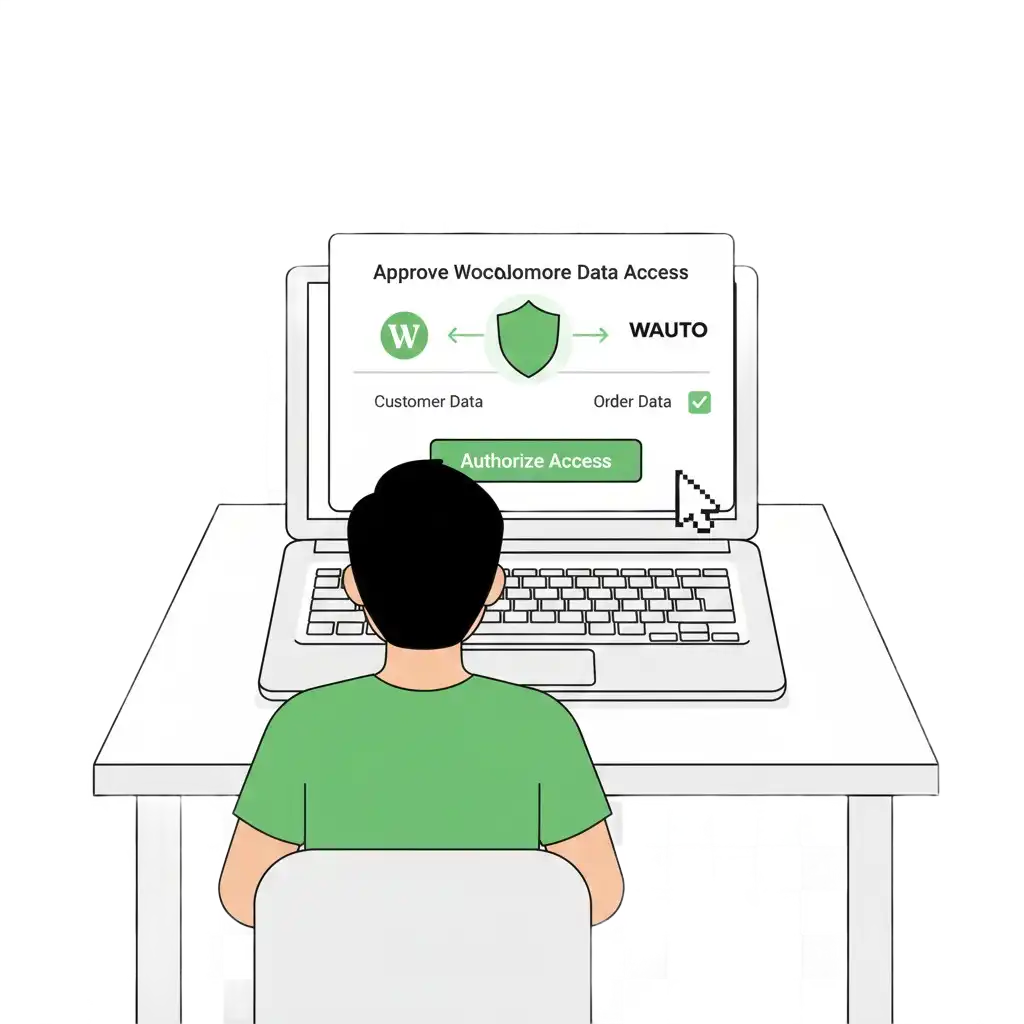
Step-2
- Open Zepofy dashboard and go to Integrations.
- Select WooCommerce and begin connection.
- Authorize secure access to your store.
Step-3
- Add your WhatsApp Business API number.
- Link the account inside WAuto settings.
- Enable messaging permissions.
Step-4
- Approve WooCommerce order event access.
- Allow customer and transaction syncing.
- Enable real-time data updates.
Step-5
- Activate order confirmation alerts.
- Enable abandoned cart reminders.
- Select shipping notification triggers.
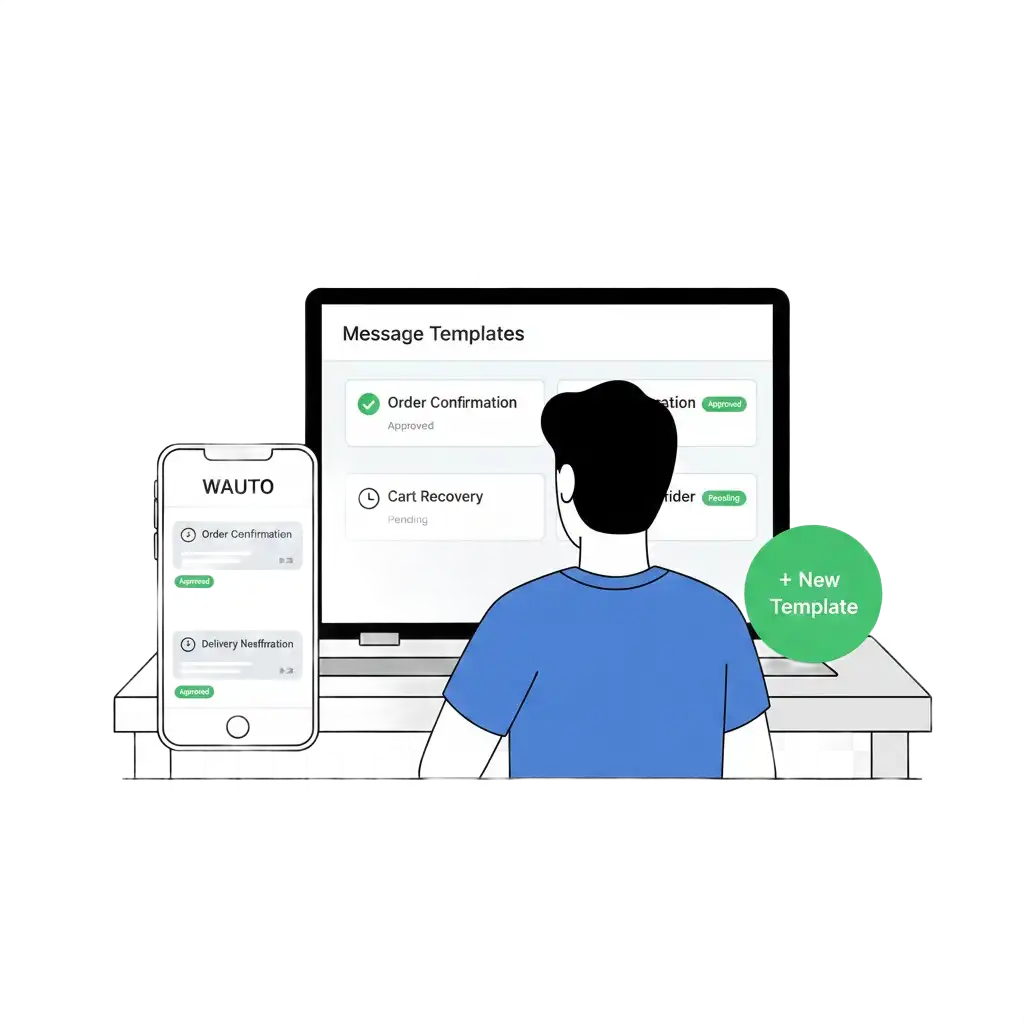
Step-6
- Create order and delivery templates.
- Set cart recovery and payment reminders.
- Submit templates for WhatsApp approval.
Step-7
- Place a test order in WooCommerce.
- Check WhatsApp delivery timing.
- Verify message content and flow.
Step-8
- Enable automation for live store events.
- Start sending WhatsApp updates.
- Monitor and optimize performance.
Step-1
- Confirm your Shopify store is active
- Verify checkout and payment flow
- Ensure orders are generating properly